
Colour sets the scene.
Colour is not an afterthought. It is the setting that ties furniture, texture, light and personality together. Choose a colour family, select a swatch, then explore how it behaves in a room and alongside related colour harmonies.
Digital colour is for exploration only. Confirm the final colour with a physical Wallcraft sample.
Find a shade that feels like you.
Choose a family to narrow the palette, or browse them all. Selecting a swatch takes you directly to its colour card, room preview and generated harmony palettes.
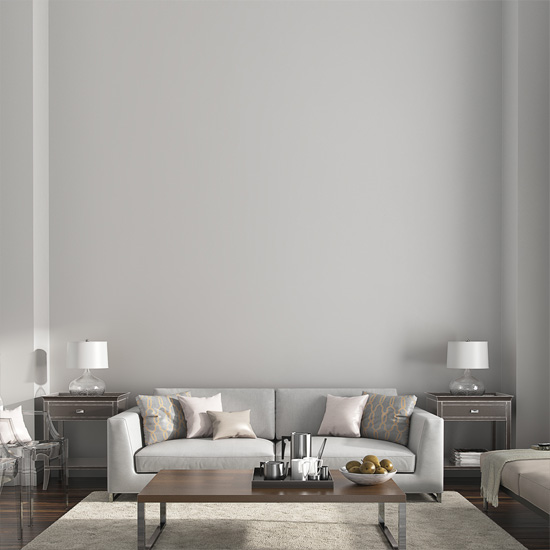
Princess Irene
1209
Analogous colours
Neighbouring hues on the colour wheel create a gentle, connected palette.
Triadic colours
Three evenly spaced hues create stronger contrast while retaining balance.
Tip: click a generated harmony colour to preview it on the wall. Your selected Wallcraft swatch remains unchanged.
Displays create colour with emitted light while paint reflects ambient light. Screen settings, room lighting, sheen and surrounding finishes can all change how a colour appears. Use this visualiser to explore combinations, then confirm your final decision using a physical sample in the space you intend to paint.
Talk to the Colour Lab